
my docsign: Digital signing made simple, safe and effective
my docsign gives you a fast and secure way to send, sign and receive documents, no matter where you are or what device you are using. As part of the build platform, signings are directly linked to projects or personnel folders, providing full visibility and reducing the risk of errors.
With my docsign you get a safe, efficient and seamless signing process that saves time and gives you control.
Why choose mydocsign ?
- Paperless digital signing: Faster, easier and more environmentally friendly.
- Integrated with the build platform: Seamless connection to myproject, mycompany and myoffer .
- Full overview and history: All actions are automatically logged for traceability.
- Legally secure: Signatures that are legally binding.
- Tailored to your needs: Custom signature fields, landing page for externals, and email notifications.
my docsign: Simple, secure and digital signing
- ✔ Send, sign and receive documents easily and securely
- ✔ Seamless integration with projects and personnel folders
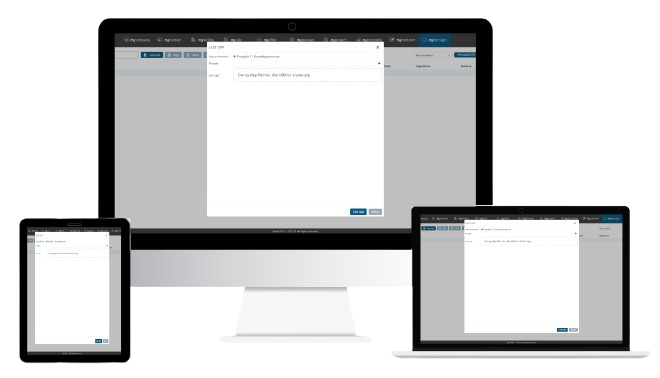
- ✔ Cloud-based: mobile, Mac and PC
- ✔ Get started without a course
* Recommended price is NOK 15,000 / year excluding VAT.

How my docsign works (3 steps to digital signing)
1.
Send document for signing
Add recipients, define signature fields and any additional information to be filled out.
2.
Sign and approve
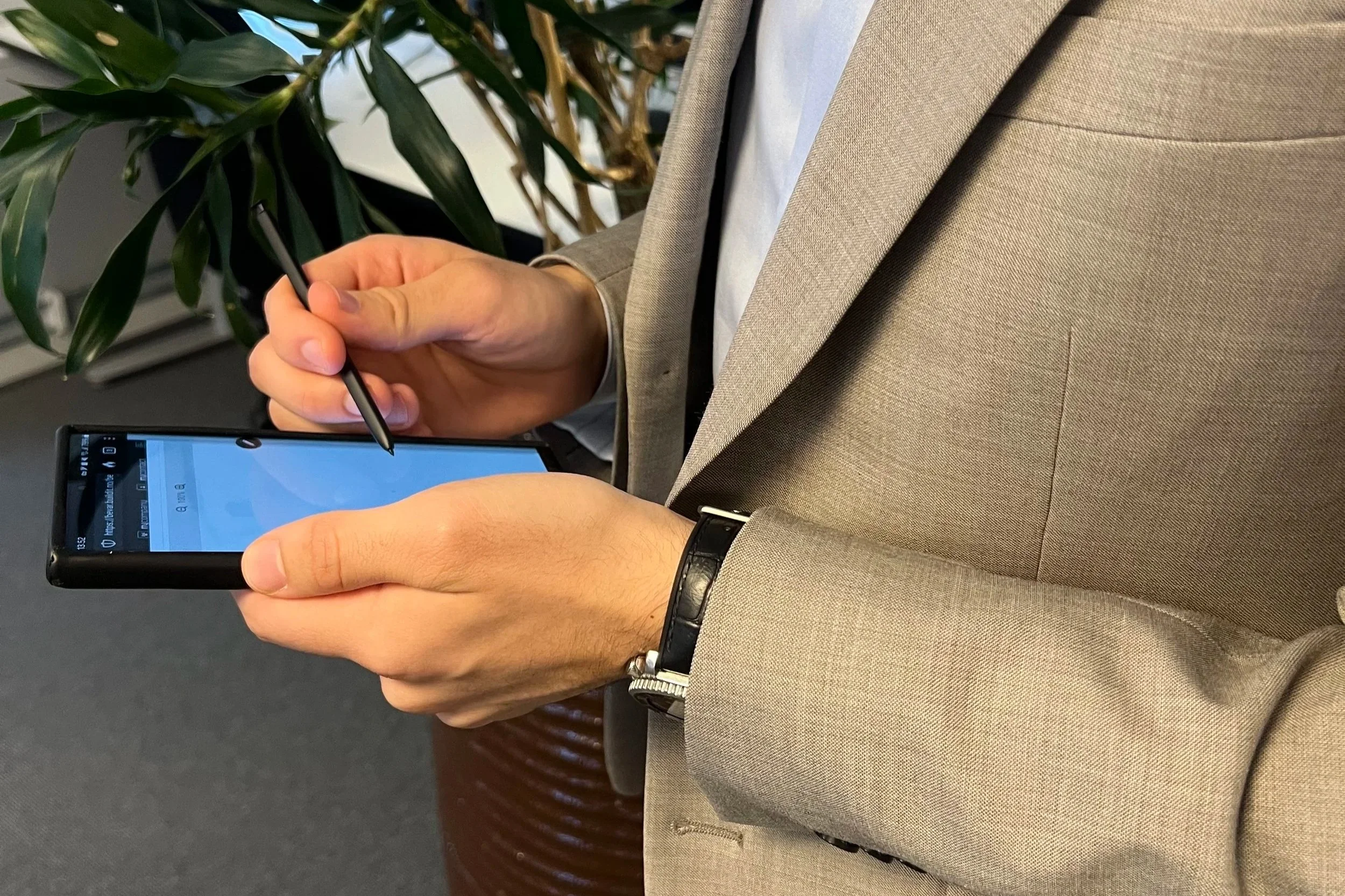
Recipients sign on their mobile, tablet or PC. The system automatically logs all actions.
3.
Full overview and storage
Get a receipt, save documents directly to projects or personnel folders, and have full history available at any time.
Features in my docsign
my docsign makes digital signing easy and secure, no matter where you are or what device you use.
The system brings together the entire signing process in one place, from sending to signed documents. Everything happens digitally, so you don't have to deal with paper, emails and manual follow-up.
With my docsign you get a full overview of who has signed, a history of all documents, and legally binding signatures, all integrated directly with projects, personnel folders, and other modules in the build platform.

Seamless integration
mydocsign connects directly to modules such as mycontact, myproject and mycompany, allowing you to send and sign documents without switching systems. This provides an efficient workflow and saves valuable time.
Contract registers
Retrieve and manage documents for signing directly from your contact records. Get full visibility, faster workflow, and fewer manual processes.
Project registers
Quickly sign project agreements and documents, and automatically save them to your project overview. Provides easier access and better control throughout the project lifecycle.
Custom signature fields
Mark precisely where parties should sign, fill in information or add initials. Provides a smooth and correct signing process.
History log
Get full traceability from submission to signing. All events are automatically logged, providing a clear audit trail with full transparency.
Landing page for non-users
External recipients can sign without logging in. They get a simple and customized landing page that makes signing fast and user-friendly.
Email notifications
All parties are kept updated with automatic notifications throughout the process – from invitation to completed signing.
Communication
Share information, updates, and documents directly with customers and partners. Provides better dialogue, fewer misunderstandings, and smooth progress.
Complete receipt
After signing, all parties receive a receipt with a full history log and a copy of the document. Everything is stored securely for future reference.
Who is my docsign suitable for?
- Project managers who need an overview of contracts and agreements
- HR managers who handle employment contracts
- Contractors working with subcontractors
- Companies that want a secure, digital and efficient signing flow
From small projects to larger organizations, my docsign adapts to your workflow and provides full control, structure and security.

mydocsign vs alternatives
my docsign vs manual processes:
- Manual handling: paper, email and separate systems – time-consuming and error-prone
- my docsign: digital, automated and integrated into the build platform
my docsign vs other systems:
- Seamless integration with existing modules
- No course required
- Full history and audit trail automatically saved
Customer stories

“One of the things we like best about this system is that we can gather all the information in one place, where everyone has access to it.
We would love to be an ambassador for buildit.”
Related articles
Want to learn more about digital signing and document flow? Here are some of our most popular articles:

Frequently Asked Questions (FAQ)
-
Yes, mydocsign works on mobile, tablet and PC.
-
All documents and emails are automatically saved with full history, linked to the correct project or personnel folder.
-
Yes, they get a customized landing page for easy and secure signing.
-
Prices vary depending on the features and number of users you need. Contact us for a customized quote.
-
Yes! We offer a demo so you can try the module and see how it can make your work easier before you decide.
Click here to book a demo
