


my project: Complete system for project management with document hotel and project room
my project is a user-friendly project management tool for the construction industry. Get full control and overview of your construction projects, and achieve efficient interaction between all participants.
Why choose my project?
- Full control in all project phases: from planning to handover
- Easy collaboration and document sharing across teams
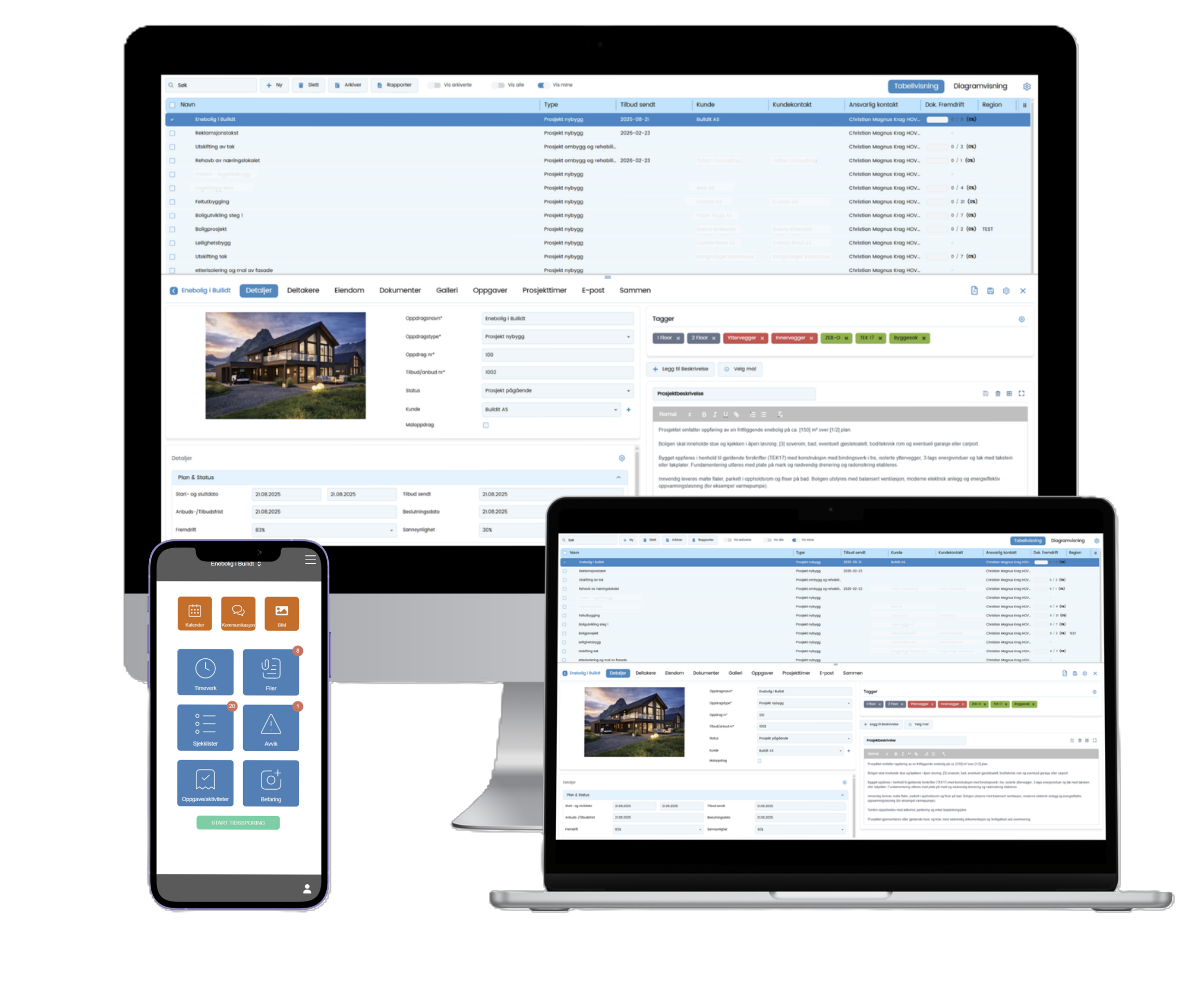
- Available via PC, tablet and mobile
- Standardized templates for KS, SHA, HMS and SJA
- Seamless integration with mycalc, myplanner and myoffer
- Traceability and history of changes, responsibilities and approvals
- Notification and automated archiving of messages and emails
User-friendly system for ALL participants in the project!
How it works (3 steps to full control)
1.
Before project start:
Set up structure, upload QA plan and assign roles.
2.
During the project:
Document progress, report deviations and follow up on actions.
3.
After the project:
Export documentation and complete the KS binder.
Features in my project
my project brings together everything you need for project management in one place, simple, clear and designed for construction.
my project gives you everything you need to plan, document and manage your projects, without clutter, duplication or uncertainty.
my project gives you full control in all project phases. from planning to handover. One system for the entire team, making interaction easier and everyday life more efficient.
Built for office and construction site.

Project basis and key details
Collect description, status, type, period and budget in one place. Provides a tidy start and good control throughout the project.
Project participants and access control
Add participants and control access by role and responsibility. Ensure everyone has the right information – and full control over who does what.
Tasks, checklists and deviations – in one flow
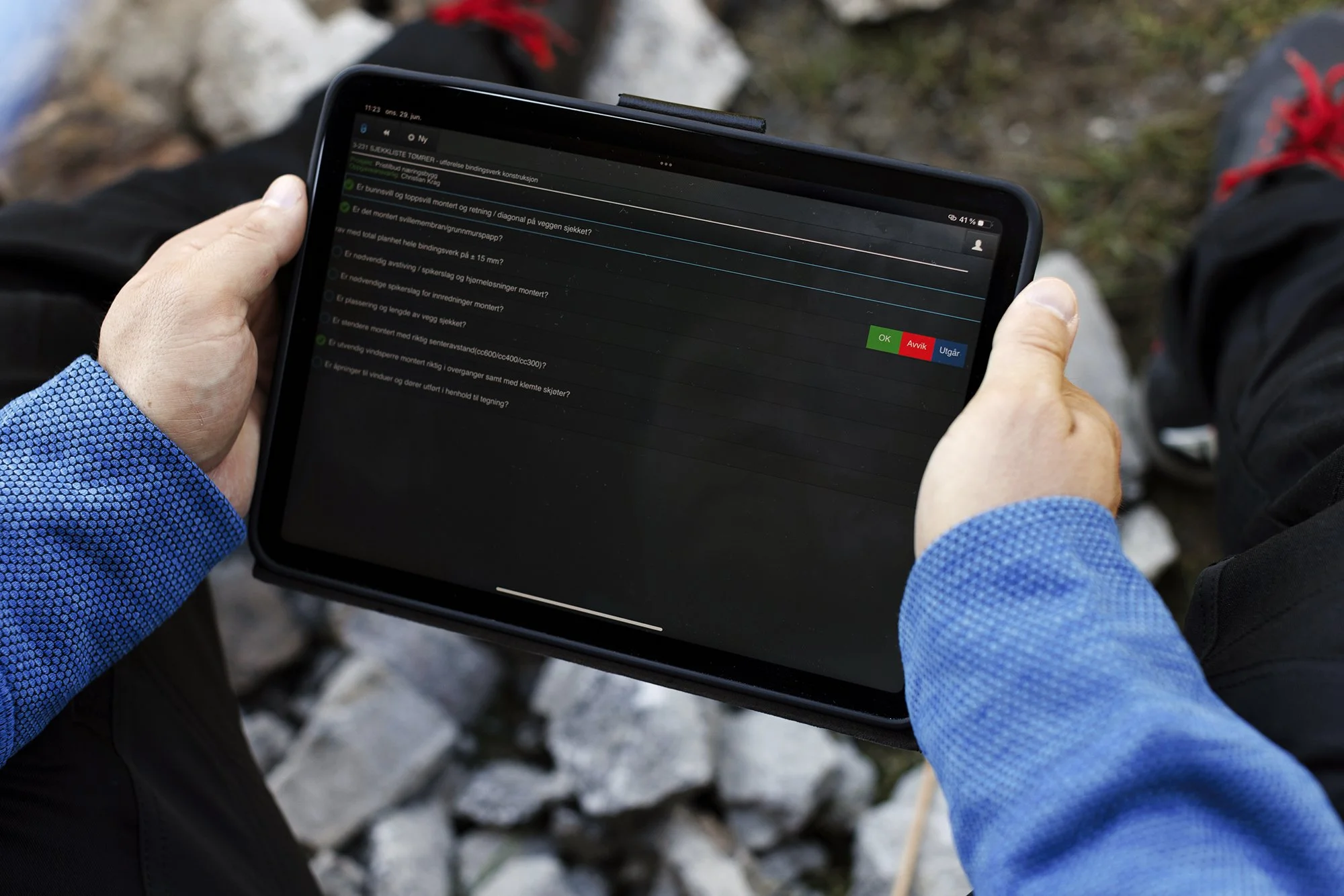
Document and close checklists, deviations, SJA, inspections and changes in the same solution. Assign responsibilities, set deadlines and track status in real time with full history.
Pictures and visual documentation
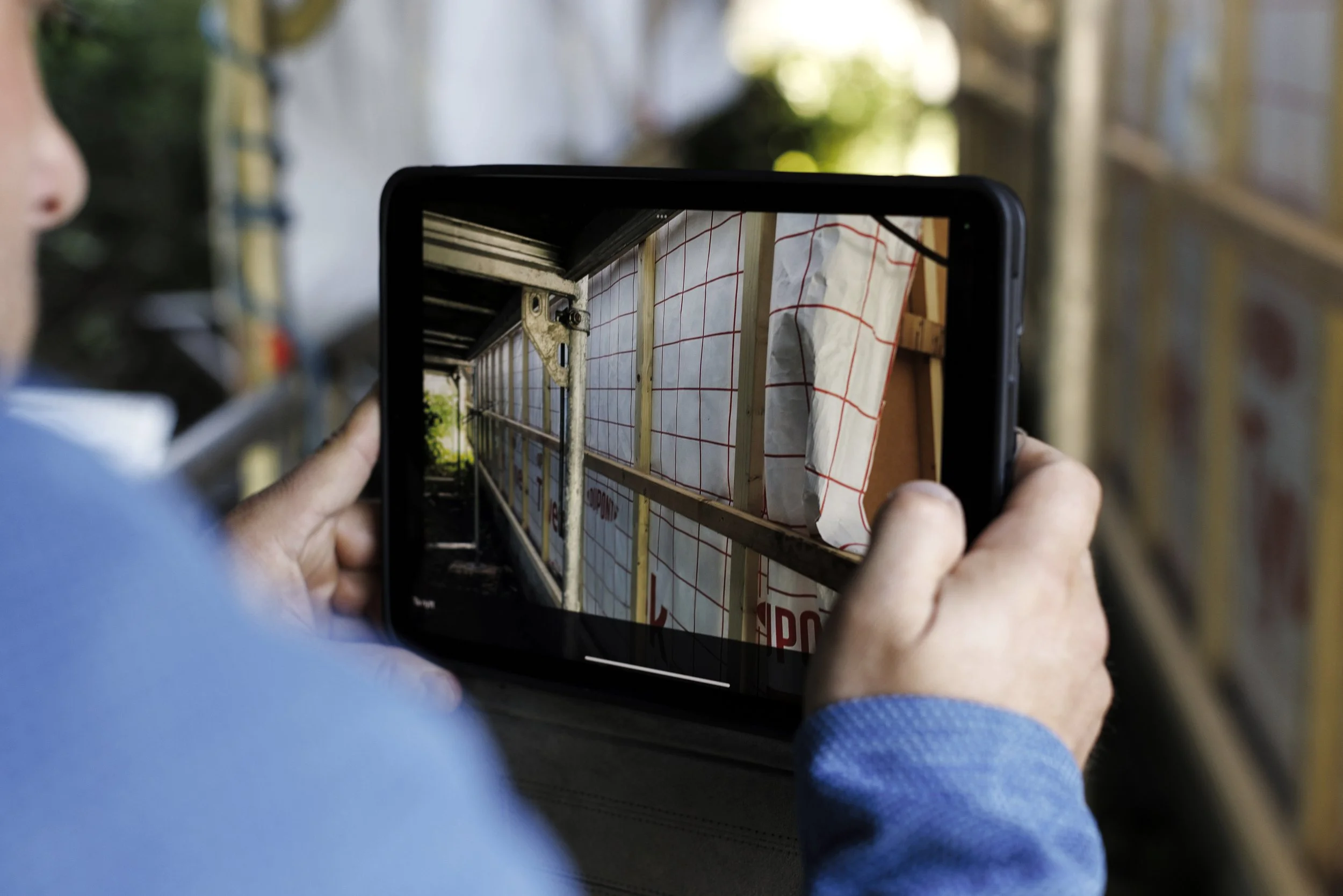
Upload images from your mobile or PC and link them to projects, assignments or deviations. Comments and history ensure documentation upon handover and later questions.
Office and construction site - tailored to each role
Full solution for office on PC and easy mobile workflow for field. Report deviations, images and status quickly – while the project manager has full overview.
Document control and change history
Keep track of documents and drawings with version control and history. See who has made changes and ensure everyone is working on the right basis.
Collaboration and dialogue in the project
Comment directly on documents and tasks with notifications and history. Reduce email chaos and keep everyone updated in real time.
Email related to project
Send and store emails in the system and link them to the correct project. All correspondence is searchable and stored in the history.
Timekeeping and cost control
Track hours from your mobile device and link them to projects and tasks. Track spending against budget and get a better basis for payroll and invoicing.
Property and devices
Structure projects with multiple buildings or units. Link documentation, tasks, and deviations to the correct unit for better control and easier handover.
Real-time project status - deviations, changes and follow-up
Get a quick overview of open deviations, actions, SJA status, document activity and progress. A clear decision-making basis for project managers and management.
HSE/KS/SHA with traceability
Log SJA, checks, deviations, measures and approvals automatically. A quality system adapted to construction and civil engineering – safe during audit and handover.
BIM project with IFC support
Upload, view and interact with IFC models directly in the project. Combine BIM, drawings, deviations, tasks and documentation in one unified solution with full version control and traceability throughout the construction process.
Drawings, meeting minutes and documentation
Collect drawings, meeting minutes, emails and project files in one structured project space. Full history, version control and searchability.
Integration with calculation, quotation and planning
Integrated with mycalc, myplanner and myoffer Go seamlessly from estimates and quotes to planning and project management – without double-entry.
Who is my project suitable for?
- Construction contractors
- Builders and carpenters
- Plumbers and electricians
- Consultants, appraisers and project managers
- From small projects to large turnkey contracts
From small projects to large turnkey contracts, my project adapts to the needs of the entire project. Simple enough for smaller teams, advanced enough for the largest projects.

my project comes in three versions. Which version is right for you?
myproject Lite – Get started with structure and overview
- Gives you a full project overview – without heavy systems
- Clear role and participant management
- Tasks with responsibility and easy progress
- Automatic summary for quick status
For smaller projects and teams that want to stay organized – quickly and easily
Read more about Litemyproject Standard – Effective interaction in everyday life
- Everything the team needs for effective collaboration in the project
- Document management with version control
- Chat and dialogue directly on tasks and documents
- Emails automatically archived to the correct project
- Summary with full history and traceability
The standard choice for professional project management – in the office and on the construction site
Read more about Standardmyproject Pro – Full control over complex projects
- Full control over documentation, hours and progress
- Everything from Standard – adapted to larger and demanding projects
- Time management directly from mobile and construction site
- Property and project structure in the same solution
- Scaled for multiple users, roles, and turnkey contracts
When precision, traceability and profitability are crucial
Read more about Promy project vs alternatives
my project vs paper-based project management:
- Paper: time-consuming documentation, risk of errors and loss of information
- my project: digital, always up-to-date, easy interaction and full traceability
my project vs other systems:
- No installation: cloud-based and always up to date
- No course required
- Adapted to Norwegian requirements for quality, HSE and safety in construction projects
Calculate savings with my project
We take into account the hours you spend on administration and documentation, how many projects you have per year, and how much myproject can cut (the percentages you adjust). We also include costs for errors/deviations. The result shows how many hours and kroner you can free up in one year.
Customer stories
“With my calc and my project, I deliver professional quotes faster and follow up on projects more efficiently. I save around 60% of my time, and my customers are very satisfied.”

“One of the things we like best about this system is that we can gather all the information in one place, where everyone has access to it.
We would love to be an ambassador for buildit.”
Related articles
Want to learn more about project management and effective follow-up in the construction industry? Here are some of our most popular articles:

Frequently Asked Questions (FAQ)
-
myproject is cloud-based, always up-to-date and provides easy interaction with full traceability, adapted to Norwegian construction projects. Many other systems require local installation and have limited functionality.
-
Yes, via our app, all time registrations can be done directly from the field.
-
Yes, the system has ready-made templates and digital forms for all standards.
-
Prices vary depending on the features and number of users you need. Contact us for a customized quote.
-
Yes! We offer a demo so you can try myproject and see how it can make your work easier before you decide.
