
Project folders in construction - how to create a structure that works in all projects
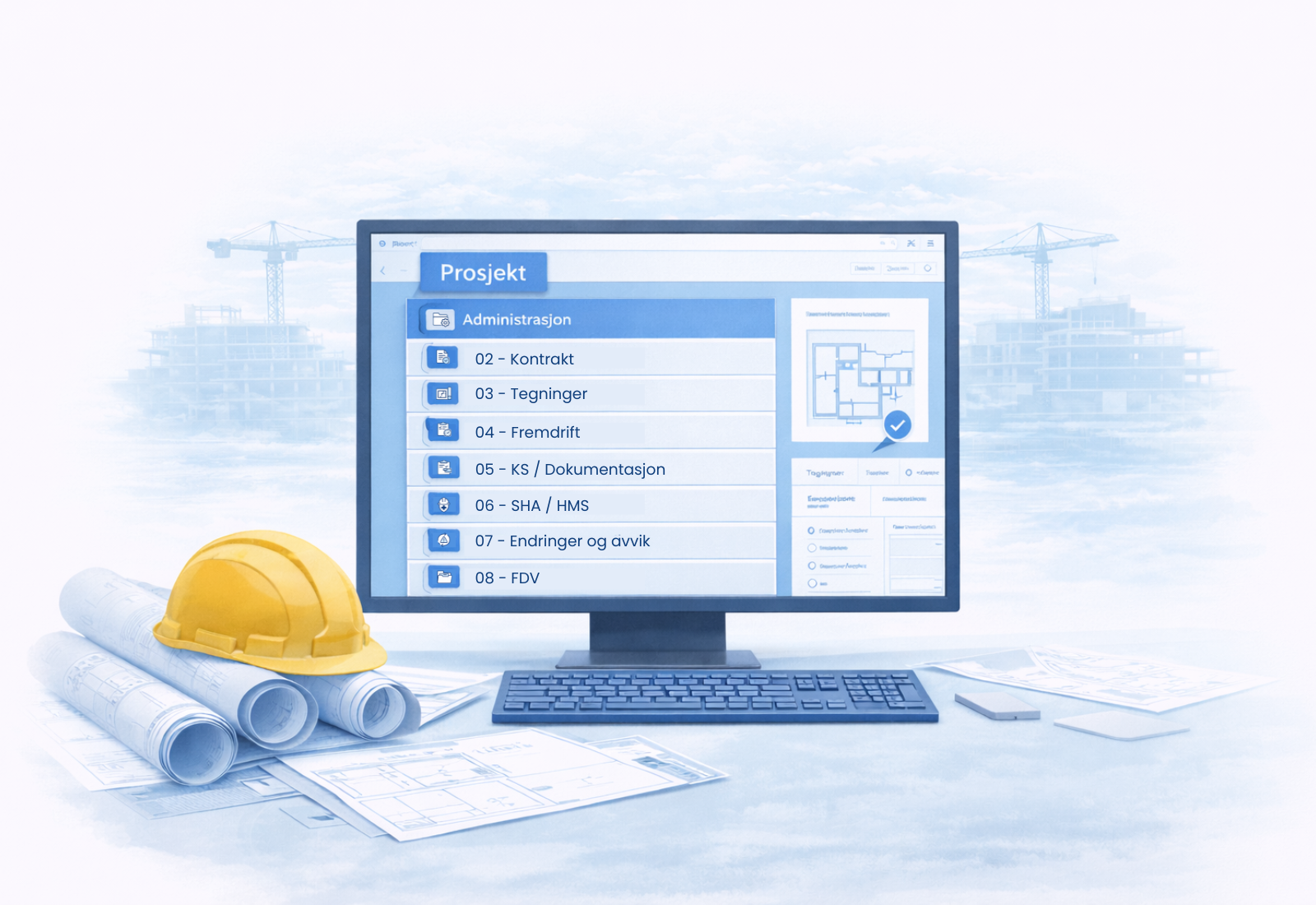
In many businesses, project folders are set up anew for each project.
Small differences in structure and naming seem innocent –
but makes it difficult to work equally across projects.
For example, one project manager may store drawings under “Drawings,” while another uses “Underlays” or “Working Drawings.”
This makes it more difficult to find information quickly – especially when several people are working across projects.
Project folders only work when the structure is standardized. Not for one project – but for all.
Why project folders need to be the same from project to project
A project folder is not just about organizing documents.
It is part of how the project works.
When the structure varies between projects:
People spend time finding out
new people have to “learn” each project anew
Cross-border collaboration becomes more difficult
When the structure is similar:
everyone knows where things are
it's easy to switch projects
new projects can start faster
Project folders are therefore not about order in one folder –
but about a common way of working.
This is also an important part of good project management in construction.
How to set up a default folder structure
A good structure doesn't have to be advanced.
It must be clear, logical and the same every time.
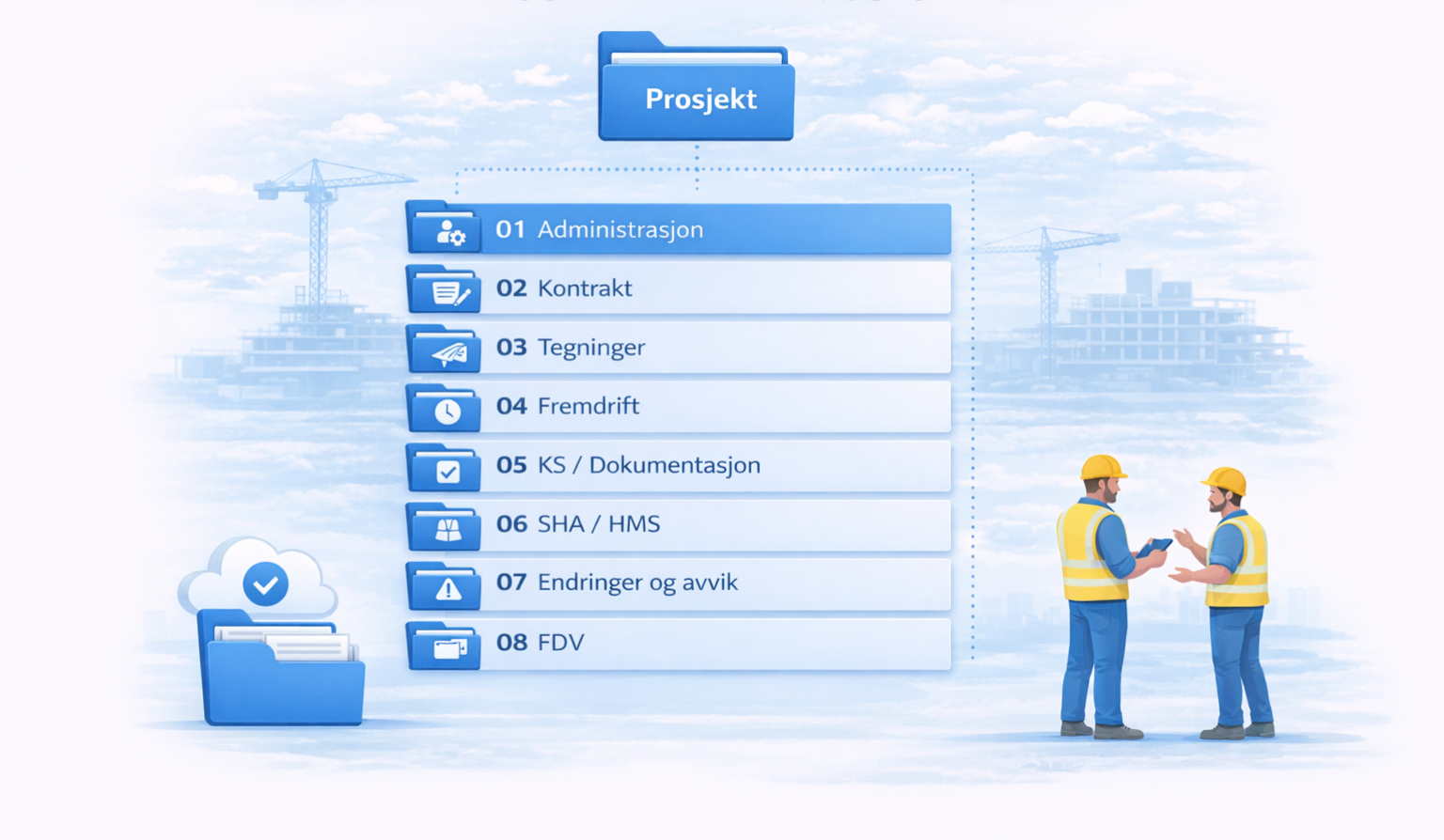
An example could be:
01 Administration
02 Contract
03 Drawings
04 Progress
05 KS / Documentation
07 Changes and deviations
08 FDV
The most important thing is not what the folders are called –
but that the same setup is used in all projects.
👉 The structure should be established as a fixed template – not recreated every time
Naming is part of the structure
Even with the same folder structure, it can become confusing if documents are named differently.
Naming should therefore be part of the standard.
A good filename should make it possible to understand:
what the document concerns
what version or revision it is
when it is updated
Example:
👉 Plantegning_ByggA_rev03_2026-03-10.pdf
The point is not complicated rules –
but that everyone uses the same principle.
How to ensure that the structure is actually used
The biggest challenge is rarely creating the structure –
but to have it used equally by everyone.
To achieve this:
use a fixed folder template in all projects
avoid each project manager creating their own structure
ensure that new projects start with the same setup
keep the structure simple enough that it is actually used
Structure only works when it is predictable.
Project folders as a basis for further structure
Project folders define where documents are located.
But they don't necessarily say:
which version applies
what decisions have been made
how communication is related to the documents
👉 Therefore, project folders are only one part of the project's information structure
To get the full context, they must be seen in the context of:
project hotel (how information is connected)
version control (how changes are managed)
Next step
Look at how project folders are set up at your company today:
Is the structure the same in all projects?
Is the same naming convention used by everyone?
Do new projects start with a fixed template?
If the answer is no, the first step is not to create more structure –
but to make the structure similar.
When project folders are standardized,
They become a tool that works across projects – not just in one.
Many businesses start with project folders to gain better structure. Over time, the need often arises for better control over documents, versions, history, and interaction between the office and the construction site.
See how Build brings together project management, documentation, and project structure in one system.
